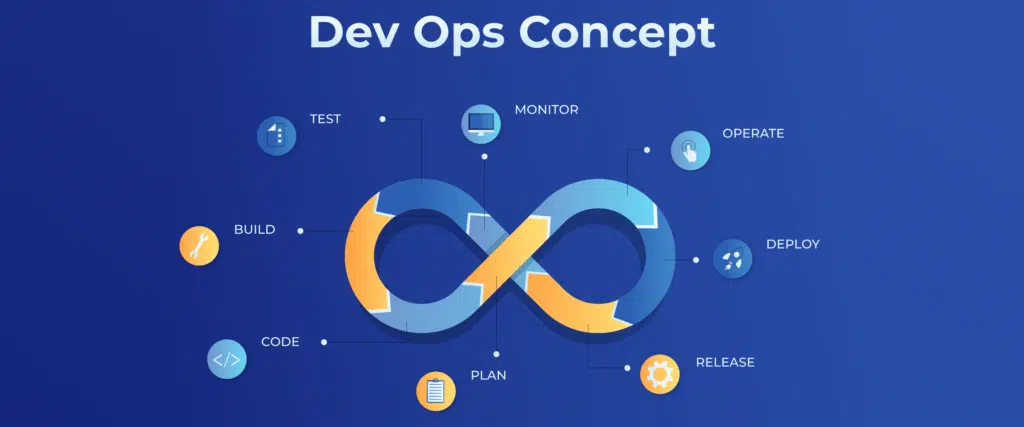
Docker is one of the most powerful tools in modern DevOps. It allows you to package applications with all dependencies into portable containers.
🐳 What is Docker?
Docker lets you run apps in isolated environments called containers.
Instead of:
“It works on my machine…”
You get:
“It works everywhere.”
📦 Basic Docker Concepts
- Image → blueprint
- Container → running instance
- Dockerfile → instructions
🛠️ Example: Simple Dockerfile
FROM ubuntu:22.04

RUN apt update && apt install -y nginx

CMD ["nginx", "-g", "daemon off;"]
Build and run:
docker build -t my-nginx .
docker run -p 8080:80 my-nginx
⚡ Why DevOps Engineers Love Docker
- Consistent environments
- Fast deployments
- Easy scaling
- Works perfectly with CI/CD
🔥 Docker + DevOps Workflow
- Write code
- Build Docker image
- Push to registry (Docker Hub / private)
- Deploy via Kubernetes or server
🧠 Docker Compose Example
Run multiple services easily:
version: '3'
services:
  app:
    image: my-app
    ports:
      - "3000:3000"

  db:
    image: mysql
    environment:
      MYSQL_ROOT_PASSWORD: root
Run:
docker-compose up -d⚙️ Best Practices
- Keep images small
- Use
.dockerignore - Avoid running as root
- Use multi-stage builds
🚀 Advanced Tips
- Use Docker with:
- Kubernetes (K8s)
- CI/CD pipelines
- Reverse proxies like Nginx
- Monitor containers using:
- Prometheus
- Grafana
💡 Final Thoughts
If DevOps is the engine, Docker is the fuel.
Master Docker and you unlock:
- Faster deployments
- Better scalability
- Cleaner infrastructure