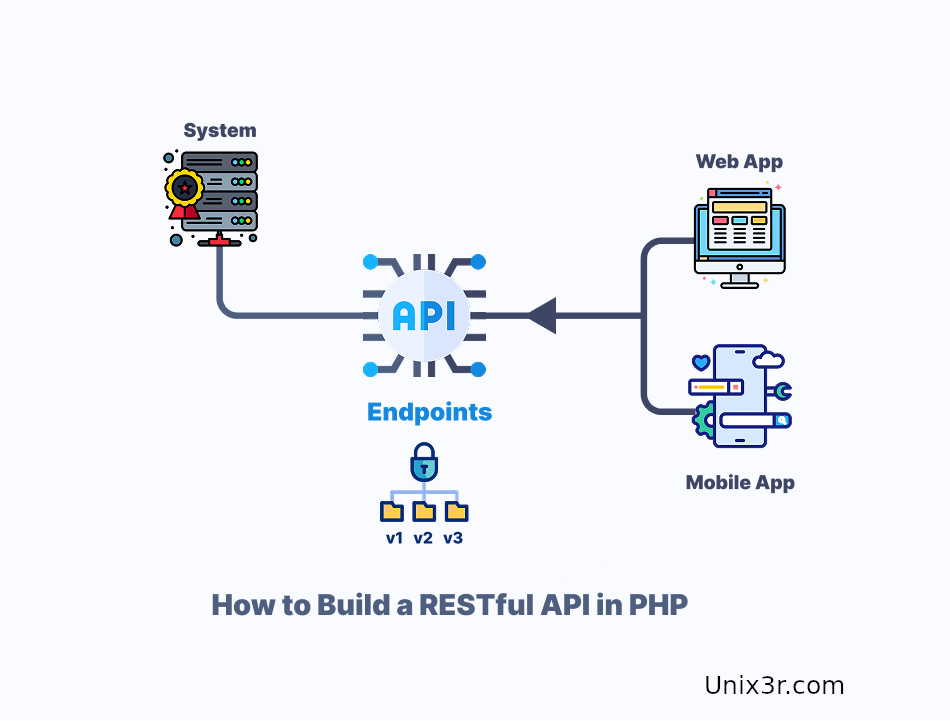
APIs power modern applications. In this guide, you’ll build a simple REST API using PHP from scratch.
No frameworks — just pure PHP 🔥
🔹 Project Structure
api/
 ├── index.php
 └── db.php
🔹 Database Connection (db.php)
<?php
$pdo = new PDO("mysql:host=localhost;dbname=test", "root", "password");
$pdo->setAttribute(PDO::ATTR_ERRMODE, PDO::ERRMODE_EXCEPTION);
🔹 Basic API (index.php)
<?php
header("Content-Type: application/json");
require 'db.php';

$method = $_SERVER['REQUEST_METHOD'];

if ($method === 'GET') {
    $stmt = $pdo->query("SELECT * FROM users");
    echo json_encode($stmt->fetchAll(PDO::FETCH_ASSOC));
}
🔹 Add POST Endpoint
if ($method === 'POST') {
    $data = json_decode(file_get_contents("php://input"), true);

    $stmt = $pdo->prepare("INSERT INTO users (name) VALUES (?)");
    $stmt->execute([$data['name']]);

    echo json_encode(["status" => "success"]);
}
🔹 Test API
Use curl:
curl http://localhost/apiPOST request:
curl -X POST http://localhost/api \
-H "Content-Type: application/json" \
-d '{"name":"Ward"}'
🔹 Improve Your API
- Add validation
- Handle errors
- Use routing
- Add authentication (JWT)
🔹 Example JSON Response
[
  {
    "id": 1,
    "name": "Ahmad"
  }
]
🔹 Security Tips
- Sanitize input
- Use prepared statements (already done ✅)
- Add rate limiting
🔹 Conclusion
Now you can:
- Build APIs with PHP
- Connect frontend apps
- Scale into full backend systems