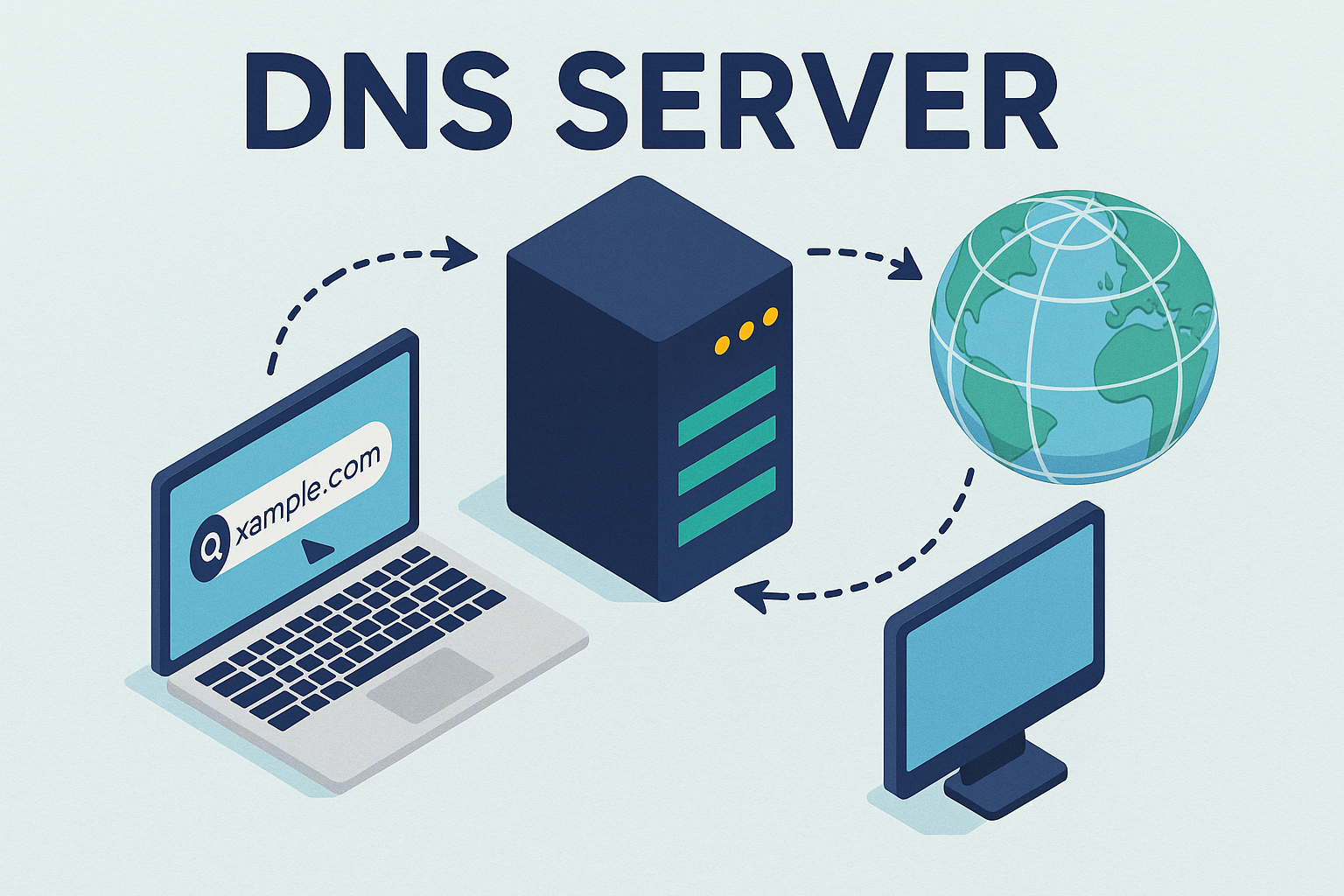
Every time you visit a website, something critical happens behind the scenes:
👉 A domain name is translated into an IP address.
This process is called DNS (Domain Name System) — and understanding it is essential for:
- Hosting servers
- Managing domains
- Running self-hosted apps
🔹 What is DNS?
DNS is like the phonebook of the internet.
Instead of remembering:
142.250.74.78You use:
google.comDNS resolves the domain → IP.
🔹 How DNS Works (Step-by-Step)
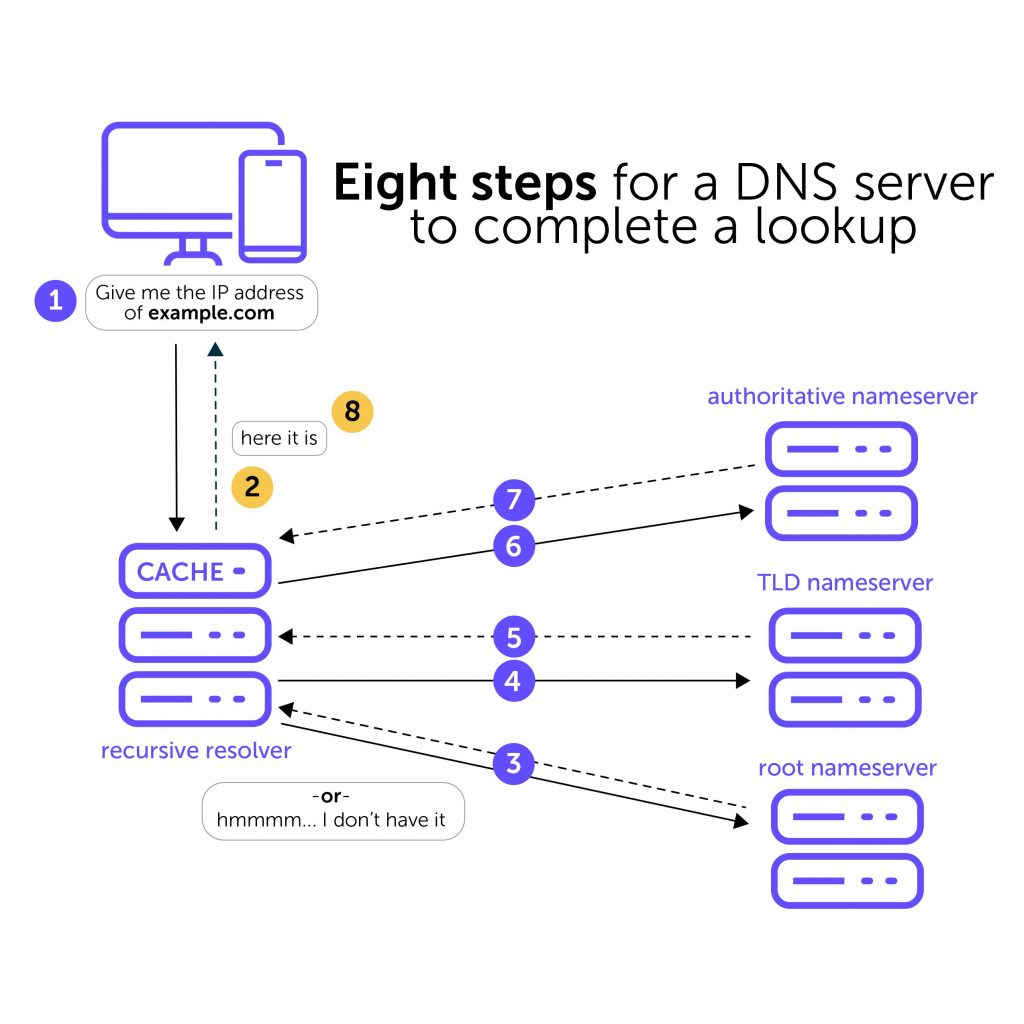
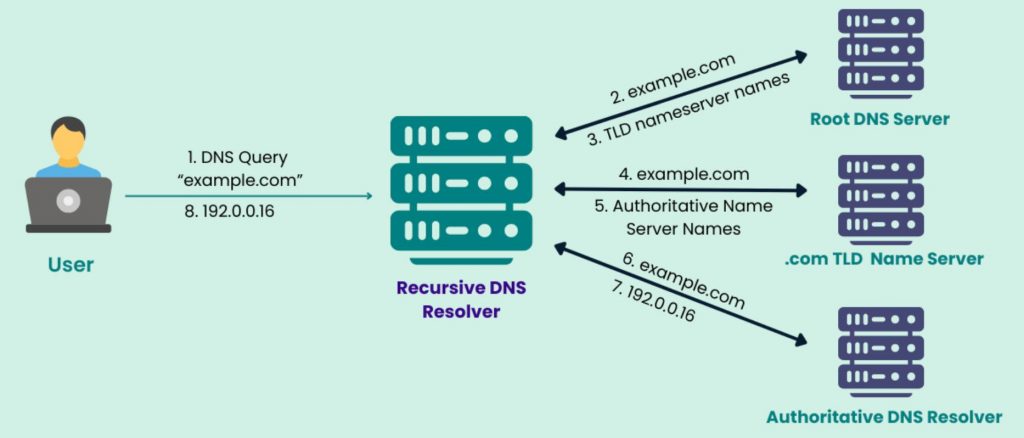
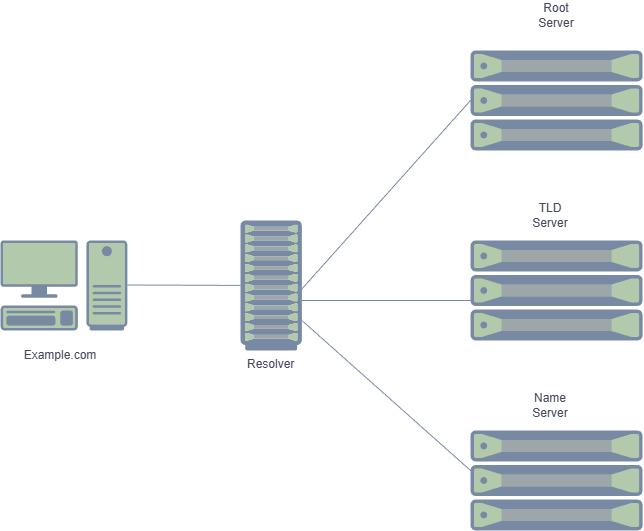
- You type a domain (e.g.
example.com) - Request goes to a DNS resolver (ISP or public DNS)
- Resolver queries:
- Root servers
- TLD servers (.com)
- Authoritative server
- IP is returned → browser connects
🔹 Common DNS Record Types
A Record
Points domain → IPv4
example.com → 192.168.1.1AAAA Record
Points domain → IPv6
example.com → 2001:db8::1CNAME Record
Alias for another domain
www.example.com → example.comMX Record
Mail servers
example.com → mail.example.comTXT Record
Used for:
- Verification
- SPF, DKIM (email security)
🔹 Real Example (Cloudflare Setup)
Using Cloudflare DNS:
| Type | Name | Value |
| A | example.com | your-server-ip |
| CNAME | www | example.com |
| A | app | your-server-ip |
🔹 DNS Propagation
After changing DNS:
- It can take seconds → 24 hours
- Depends on TTL (Time To Live)
🔹 Check DNS Records
dig example.comor
nslookup example.com🔹 Pro Tips (Advanced)
- Use low TTL while testing (300 seconds)
- Use separate subdomains for services:
app.domain.comapi.domain.com
- Never expose internal services directly
🔹 Common Mistakes
❌ Wrong IP address
❌ Missing CNAME for www
❌ Mixing proxy + direct DNS incorrectly
🔹 Conclusion
Understanding DNS gives you:
- Full control over your infrastructure
- Cleaner architecture
- Better security
👉 It’s the foundation of everything in networking.