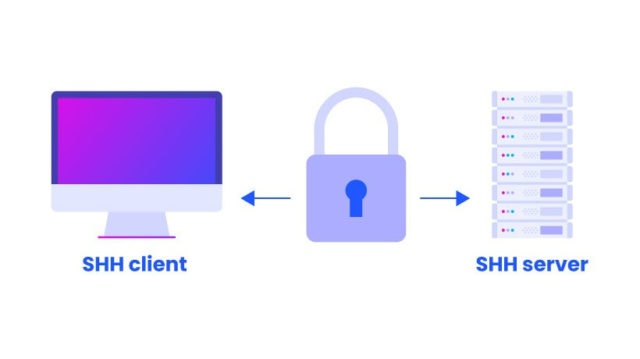
If your server is exposed to the internet, it’s constantly being attacked — especially on SSH, web logins, and APIs.
👉 That’s where Fail2Ban comes in.
It automatically:
- Detects suspicious activity
- Blocks malicious IPs
- Protects your server in real-time
🔹 Install Fail2Ban (Ubuntu)
sudo apt update
sudo apt install fail2ban -y
Enable it:
sudo systemctl enable fail2ban
sudo systemctl start fail2ban
🔹 Basic Configuration
Copy default config:
sudo cp /etc/fail2ban/jail.conf /etc/fail2ban/jail.localEdit:
sudo nano /etc/fail2ban/jail.local🔹 Protect SSH
Find [sshd] section:
[sshd]
enabled = true
port = ssh
maxretry = 5
bantime = 3600
findtime = 600
✔ This means:
- 5 failed attempts → ban
- Ban lasts 1 hour
🔹 Protect Nginx (Optional)
[nginx-http-auth]
enabled = true

[nginx-botsearch]
enabled = true
🔹 Restart Fail2Ban
sudo systemctl restart fail2ban🔹 Check Status
sudo fail2ban-client statusCheck SSH jail:
sudo fail2ban-client status sshd🔹 Unban IP
sudo fail2ban-client set sshd unbanip <IP>🔹 Pro Tips (Advanced)
- 🔥 Use longer bans (e.g. 24h)
- 🔐 Combine with firewall (UFW / iptables)
- 📩 Add email or Telegram alerts
- 🧠 Whitelist your IP (VERY IMPORTANT)
🔹 Common Mistakes
❌ Editing jail.conf instead of jail.local
❌ Locking yourself out (always whitelist your IP!)
❌ Not restarting service after changes
🔹 Conclusion
With Fail2Ban:
- Your server actively defends itself
- Brute-force attacks are stopped instantly
- Security becomes automated