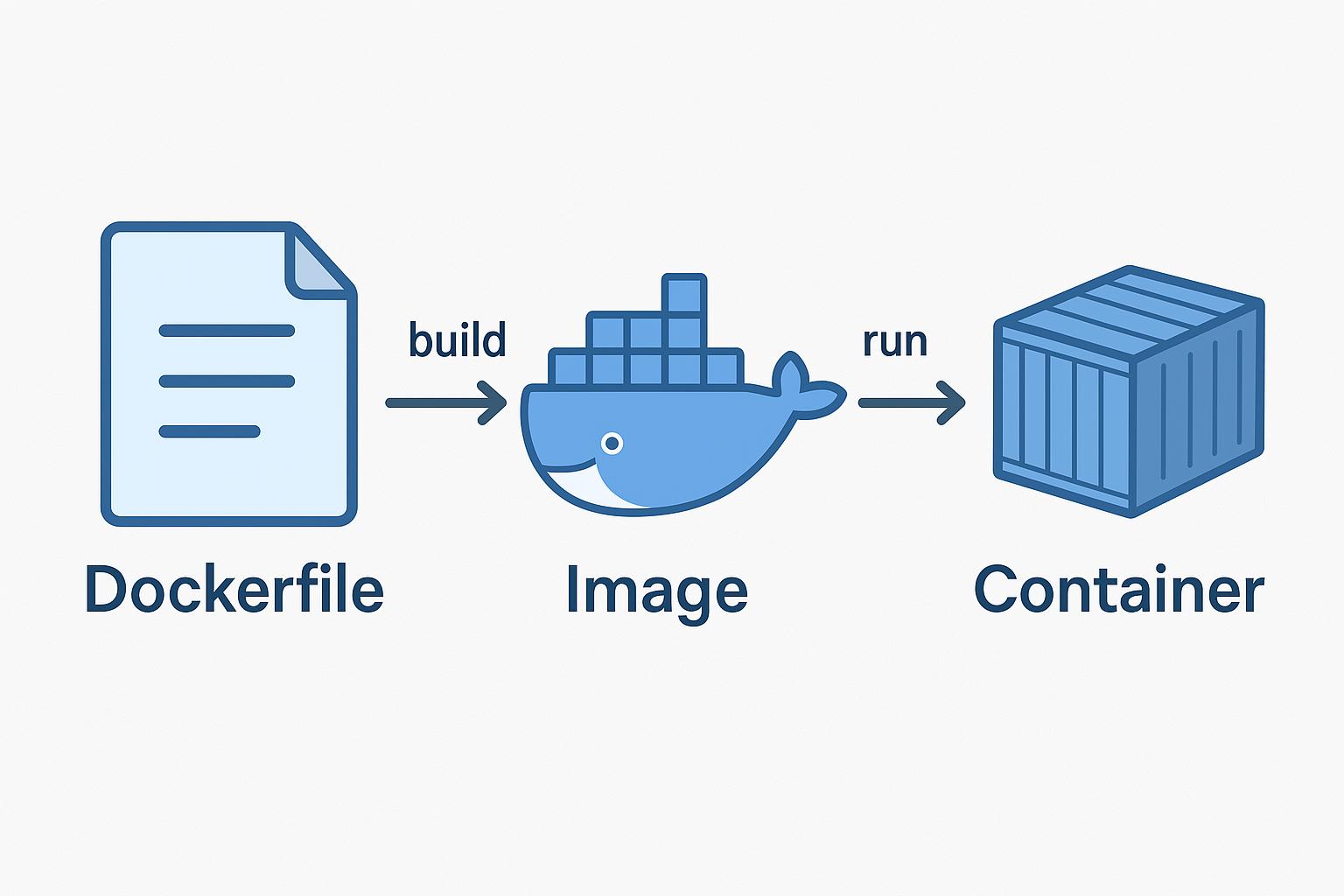
A bad Dockerfile =
❌ Large image
❌ Slow builds
❌ Security risks
A good Dockerfile =
✅ Fast
✅ Small
✅ Production-ready
🧠 Basic Dockerfile Example
FROM node:18

WORKDIR /app

COPY package*.json ./
RUN npm install

COPY . .

CMD ["node", "app.js"]
🚀 Best Practices
1. Use Smaller Base Images
FROM node:18-alpine2. Leverage Layer Caching
COPY package*.json ./
RUN npm install
👉 Install dependencies before copying full code.
3. Use Multi-Stage Builds
FROM node:18 AS builder
WORKDIR /app
COPY . .
RUN npm install && npm run build

FROM nginx:alpine
COPY --from=builder /app/dist /usr/share/nginx/html
👉 Final image is MUCH smaller.
4. Avoid Running as Root
RUN adduser -D appuser
USER appuser
5. Use .dockerignore
node_modules
.git
.env
⚠️ Common Mistakes
- ❌ Copying everything at once
- ❌ Not using caching
- ❌ Huge base images
- ❌ Exposing secrets
🧩 Pro Tips
- Use
--no-cacheonly when needed - Scan images for vulnerabilities
- Tag images properly
🏁 Conclusion
Mastering Dockerfiles gives you:
- Faster CI/CD
- Better performance
- Cleaner infrastructure