Docker networking allows containers to talk to:
- Each other
- The host
- The outside world
Understanding this is key if you’re running:
- Microservices
- Reverse proxies (like Nginx)
- Multi-container setups
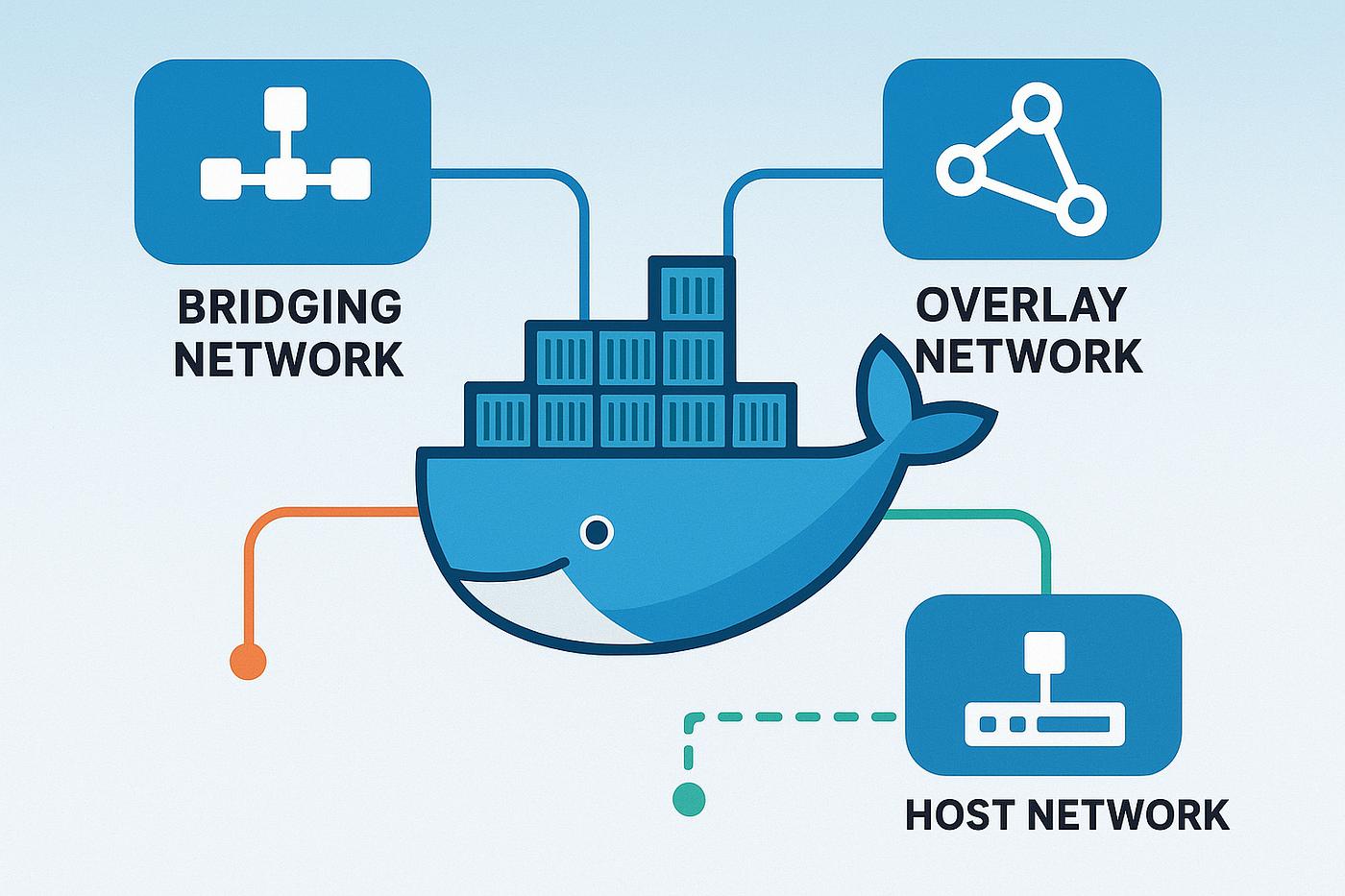
🧠 Default Network Types
1. Bridge (Default)
docker network ls- Containers communicate via IP
- Isolated from host network
2. Host Network
docker run --network host nginx- No isolation
- Uses host ports directly
3. None
docker run --network none nginxNo network access
🔥 Custom Bridge Network (BEST PRACTICE)
docker network create my_networkRun containers inside:
docker run -d --name app --network my_network nginx
docker run -d --name db --network my_network mysql
👉 Now they can communicate using:
ping db🚀 Real Example (Reverse Proxy Setup)
- Nginx → frontend
- App → backend
- DB → database
All inside one network:
docker network create prod_net⚠️ Common Mistakes
- ❌ Using default bridge for production
- ❌ Hardcoding container IPs
- ❌ Not isolating services
🧩 Best Practices
- Use custom networks
- Use container names as DNS
- Keep services isolated
- Combine with firewall rules
🏁 Conclusion
Docker networking is powerful — and once you understand it, building scalable systems becomes much easier.