When you run containers, everything inside them is ephemeral — meaning it disappears when the container stops or is removed.
That’s where Docker Volumes come in.
They allow you to:
- Persist data
- Share data between containers
- Avoid losing important files (databases, uploads, configs)
🧠 What is a Docker Volume?
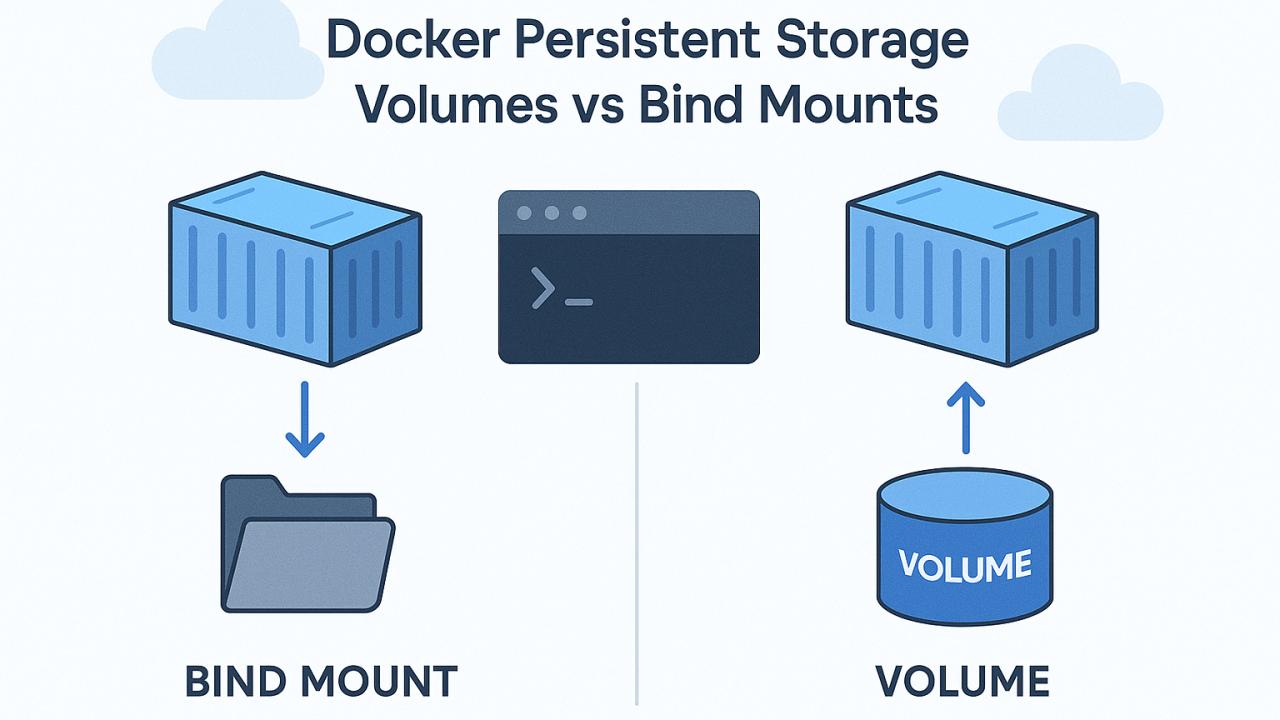
A Docker Volume is a special storage location managed by Docker, outside the container filesystem.
👉 Think of it like:
A safe place on your server where your data lives, even if containers die.
⚙️ Types of Storage in Docker
1. Volumes (Recommended)
docker volume create my_data2. Bind Mounts
docker run -v /host/path:/container/path nginx3. tmpfs (Memory only)
docker run --tmpfs /app nginx🚀 Example – Using Volumes with MySQL
docker run -d \
  --name mysql \
  -e MYSQL_ROOT_PASSWORD=secret \
  -v mysql_data:/var/lib/mysql \
  mysql:8
👉 Now your database persists even if the container is deleted.
🔥 Inspecting Volumes
docker volume ls
docker volume inspect mysql_data
⚠️ Common Mistakes
- ❌ Not using volumes for databases
- ❌ Using bind mounts in production incorrectly
- ❌ Forgetting backup strategy
🧩 Best Practices
- Use volumes for databases
- Backup regularly
- Avoid hardcoding host paths
- Use named volumes in production
🏁 Conclusion
Docker volumes are critical for real-world deployments. Without them, your data is at risk every time a container stops.