If you’re still deploying manually — you’re wasting time.
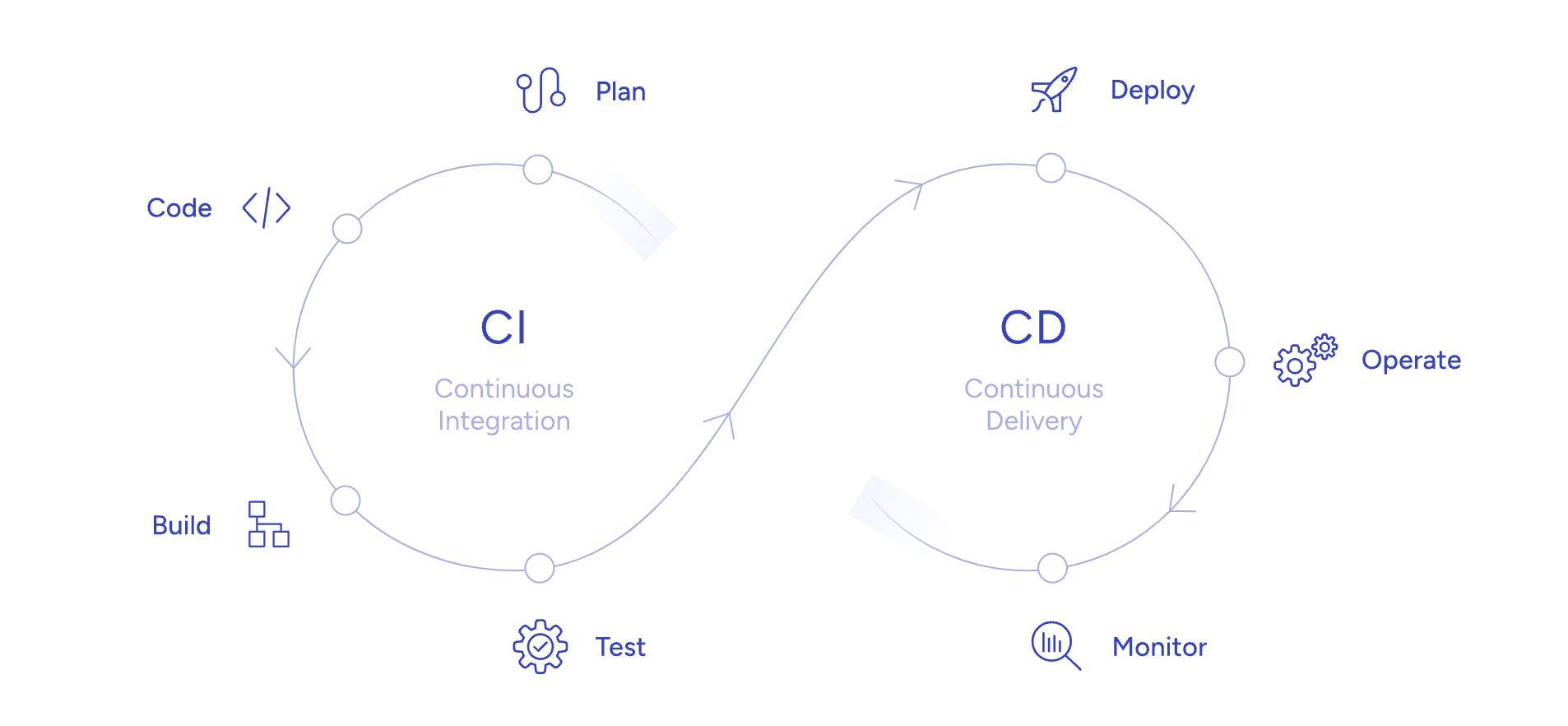
CI/CD automates everything:
- Build
- Test
- Deploy
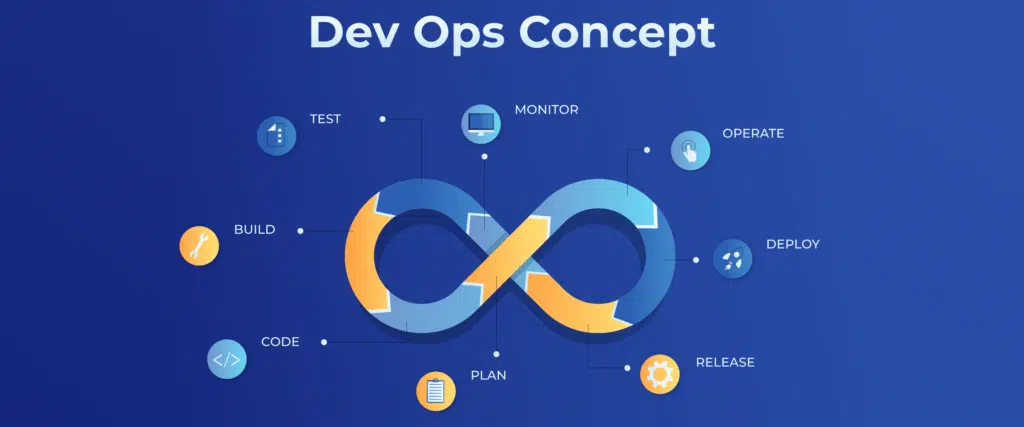
This is how modern DevOps teams move fast.
If you’re still deploying manually — you’re wasting time.
CI/CD automates everything:
- Build
- Test
- Deploy
This is how modern DevOps teams move fast.
Why You Need It
- No manual deployments
- Fewer bugs
- Faster releases
- Consistent environments
CI/CD Flow
Developer → Git Push → CI → Tests → Build → Deploy → ProductionExample: GitHub Actions
Step 1 — Create workflow
.github/workflows/deploy.yml
name: Deploy App

on:
  push:
    branches: [ "main" ]

jobs:
  build:
    runs-on: ubuntu-latest

    steps:
    - name: Checkout
      uses: actions/checkout@v3

    - name: Build Docker image
      run: docker build -t myapp .

    - name: Run tests
      run: echo "Tests passed"

    - name: Deploy
      run: echo "Deploying..."
Popular Tools
- GitHub Actions
- GitLab CI/CD
- Jenkins
- CircleCI
Pro Tips
- Always run tests before deploy
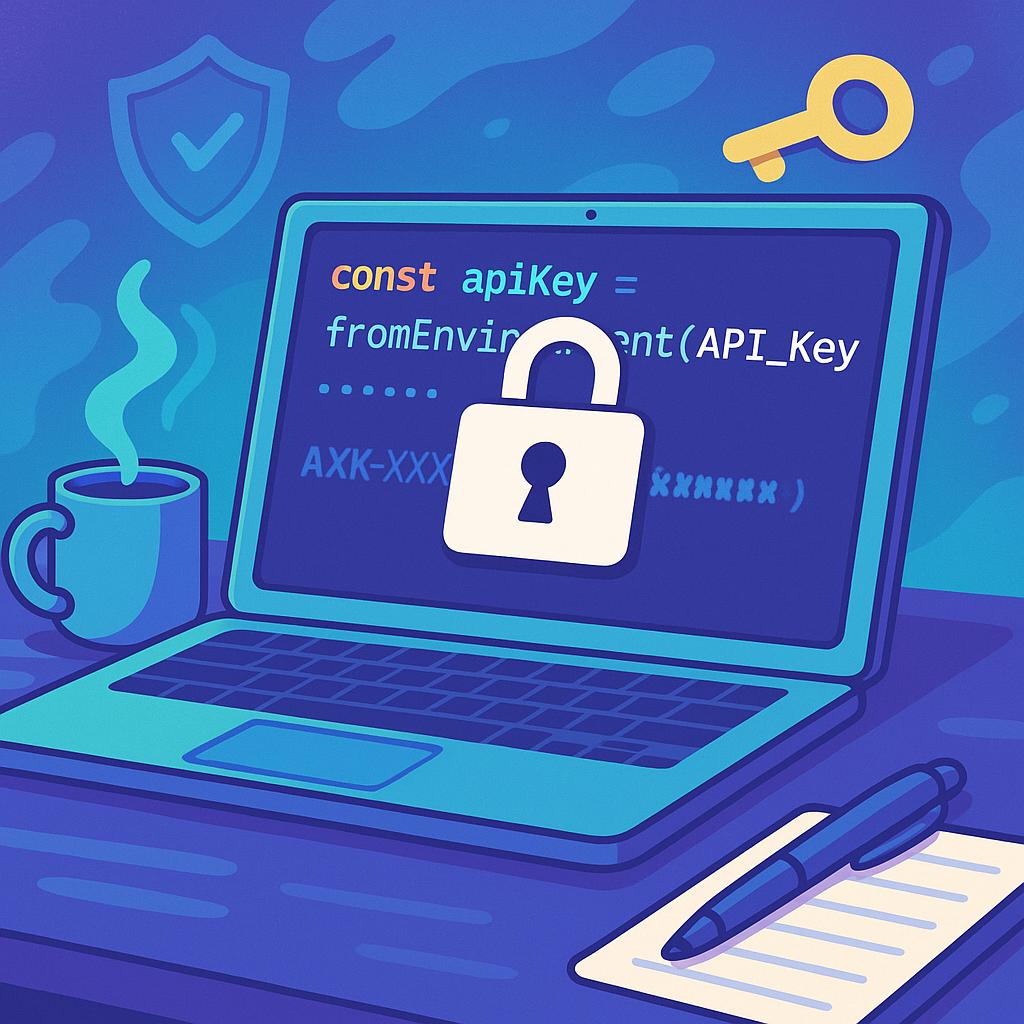
- Use environment variables (no secrets in code)
- Keep pipelines simple at first
Real Example Workflow
- Push code
- Pipeline starts
- Tests run
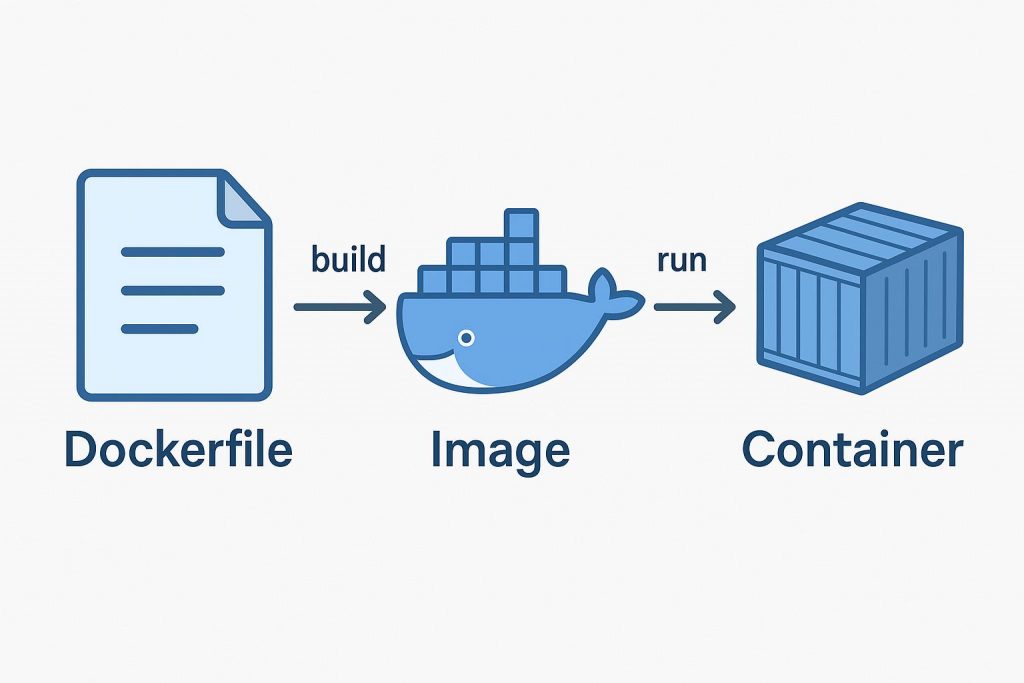
- Docker image builds
- Deploy to server
👉 Fully automated.
Final Thoughts
CI/CD is not optional anymore.
Even small projects should use it.